The Desk Setup That Stops Feeding Your Wrist Pain
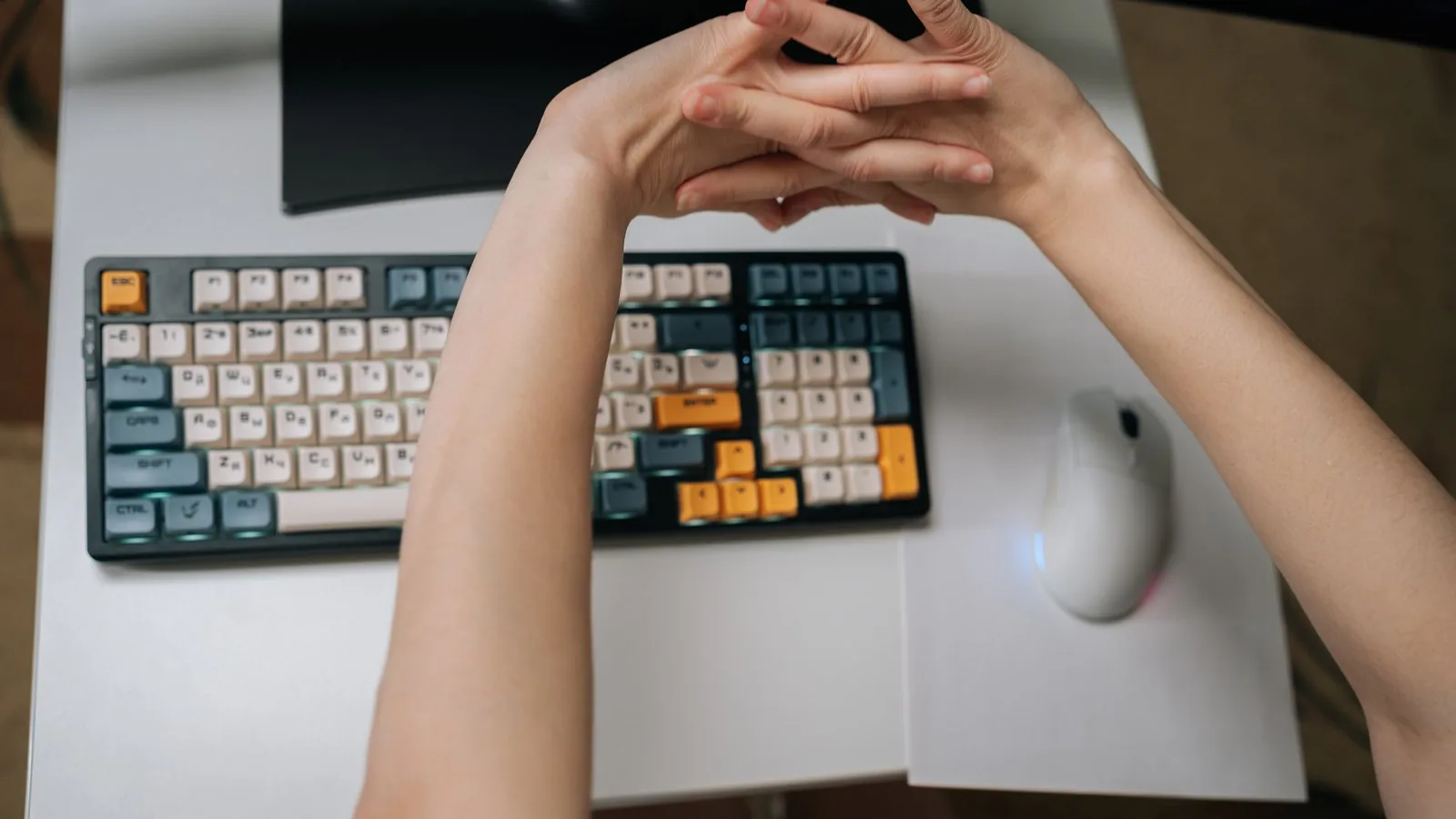
A brace manages symptoms. Your desk creates them. If you spend eight hours a day with a cocked wrist on a too-high keyboard, no glove is going to out-argue that. The good news: the fixes are mostly cheap, and the most important ones are free.
The Free Fixes First
- Get your wrists flat. The target is a straight line from forearm through the back of the hand, hovering, not planted. Drop your chair or raise your seat height until elbows sit at roughly 90 degrees and hands fall onto the keys without bending up.
- Flatten the keyboard feet. Those flip-out legs at the back of your keyboard tilt the keys toward you and bend your wrists backward. Fold them in. Negative tilt, keyboard sloping slightly away from you, is even better.
- Stop planting your wrists while typing. Wrist "rests" are for micro-pauses, not for anchoring your hands while your fingers stretch for keys. Planted wrists force the exact bent posture that raises tunnel pressure.
- Take real breaks. The nerve cares about duration more than intensity. A 30-second hand shake-out and posture reset every 20 to 30 minutes beats any product on this page. Set a timer for a week until it's habit.
- Lighten your grip. Death-gripping the mouse and hammering keys adds tendon load for zero productivity. Type like the keyboard owes you nothing.
Vertical Mice: The One Gear Change With a Clear Rationale
A standard mouse holds your forearm palm-down, a rotated position, all day. A vertical mouse turns your hand into a handshake angle, which unwinds that rotation and, for a lot of people with mouse-side wrist and forearm pain, simply removes the trigger. Expect about a week of feeling clumsy, and know that a mouse is posture relief, not a carpal tunnel cure.
Logitech MX Vertical, typically $70-100
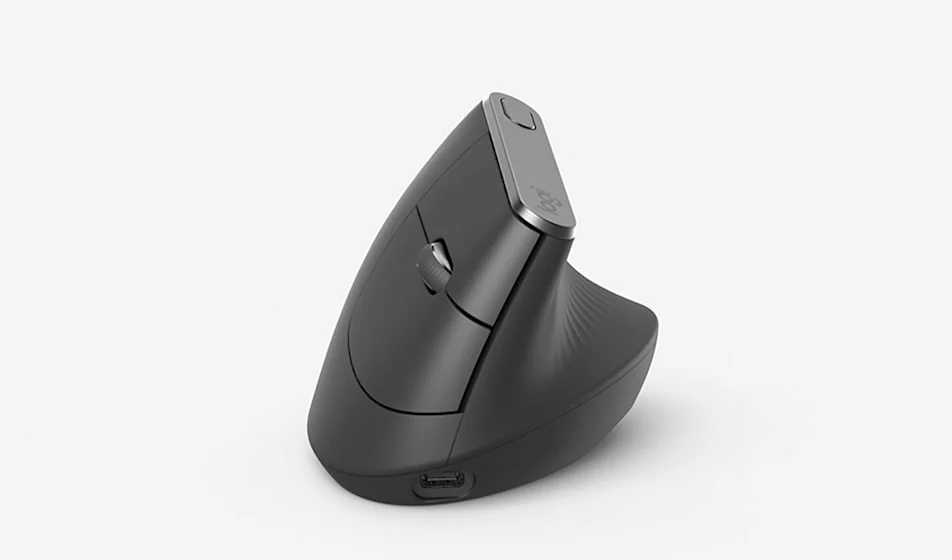
The category benchmark. A 57 degree angle, high build quality, months of battery, and it fits medium to large hands. Logitech's own testing claims roughly 10 percent less muscle activity than a flat mouse; treat vendor numbers as directional, but the comfort difference is real for many users.
Check MX Vertical price on AmazonLogitech Lift, typically $60-80
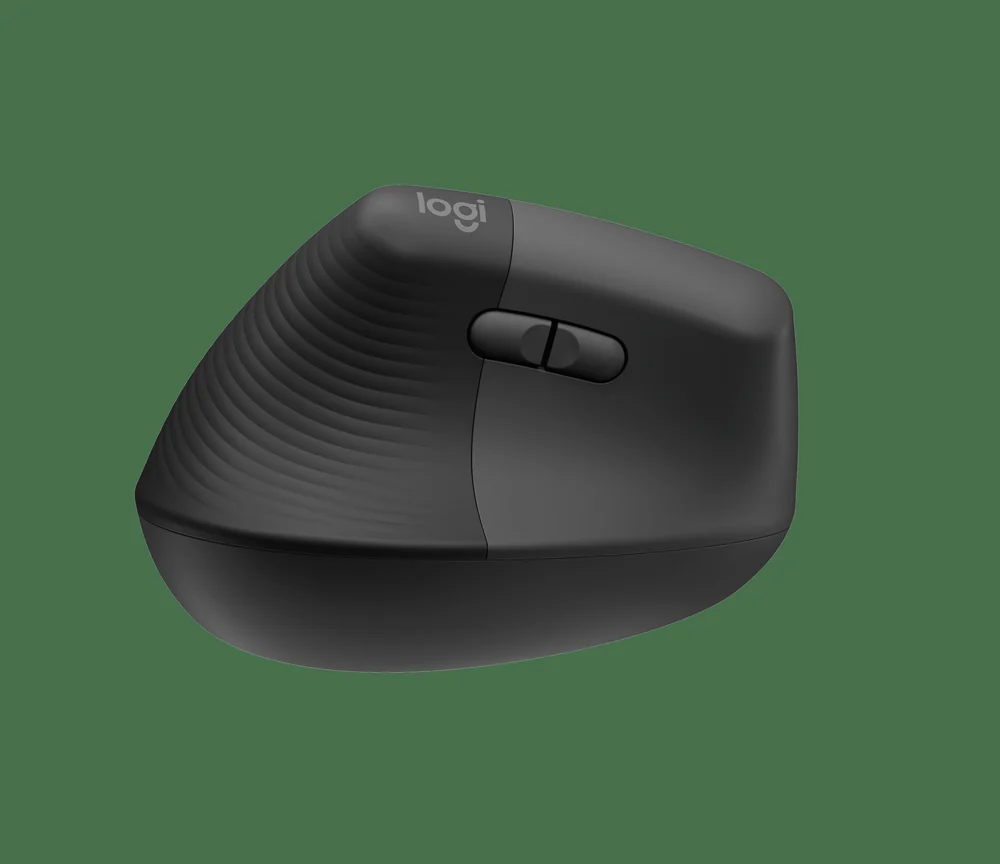
Same 57 degree philosophy in a smaller, quieter body, and it's the rare vertical mouse with a proper left-handed version. The pick for small to medium hands.
Check Logitech Lift price on AmazonAnker Wireless Vertical, typically under $30
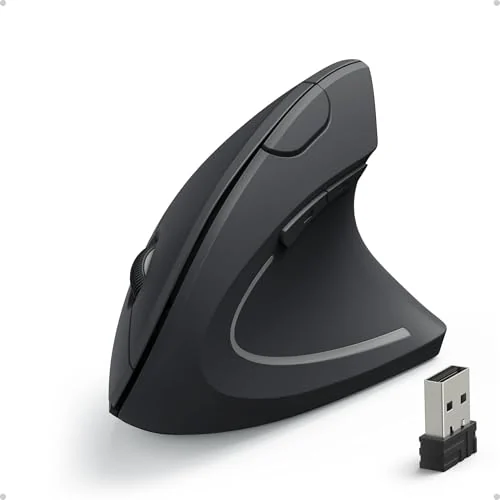
The cheap experiment. Build quality is what the price says it is, but it answers the only question that matters, whether vertical works for your wrist, for a third of the money. If you love it, upgrade later.
Check Anker vertical mouse price on AmazonWrist Rests, Used Correctly
Gel wrist rest set for keyboard and mouse, typically $10-20
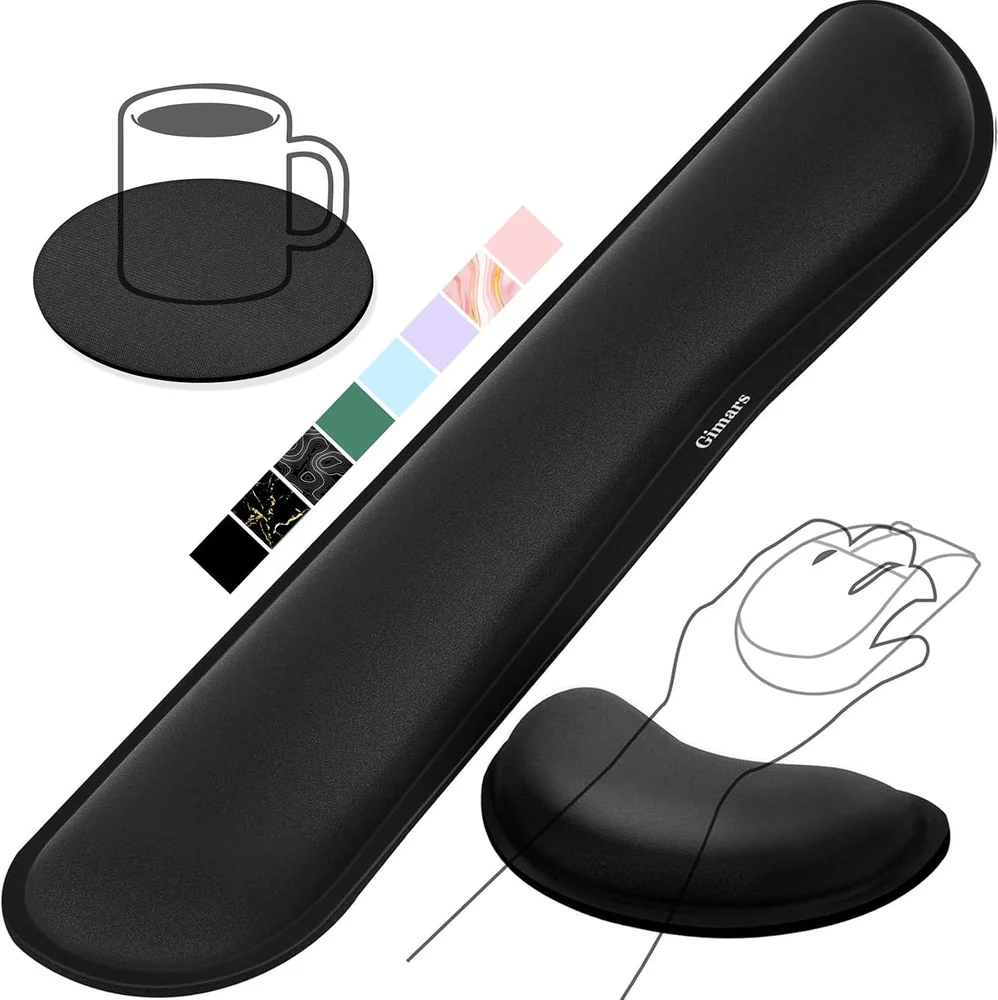
Worth having, with the rule from above: they're for pauses and palm support, not a permanent shelf to type from. A gel rest also keeps your wrist off the hard desk edge, which is direct pressure on exactly the wrong spot. Buy any well-reviewed set; this is a commodity category and brand matters little.
Check wrist rest prices on AmazonFor Gamers Specifically
You can't game on a vertical mouse, and we won't pretend otherwise. What you can do: lower your sensitivity so aiming comes from the arm instead of wrist flicks, keep the keyboard low and flat, wear an IMAK SmartGlove during long sessions, and treat the between-match lobby as a mandatory shake-out. If your hands are numb during play, that's not a setup problem anymore. Read when to see a doctor.
Priority Order If You're Spending Money
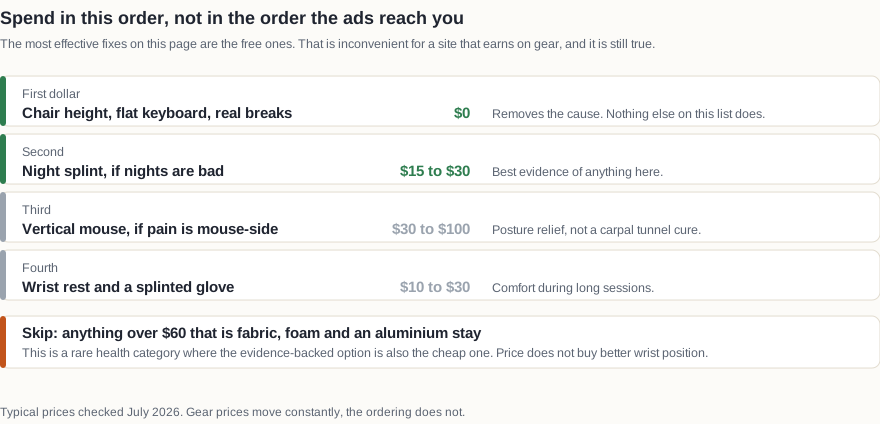
First dollar: nothing, fix your chair height, keyboard tilt, and break habit. Second: a night splint if you have nighttime symptoms, because it has the best evidence of anything here. Third: a vertical mouse if your pain lives on your mouse side. Fourth: wrist rests and an IMAK glove for comfort during long sessions.